

A document library for every home and development.
Share fire safety policies, home user guides, warranties and more in a secure library residents can open at any time. Documents are organised in folders and assigned to developments, phases or individual homes.
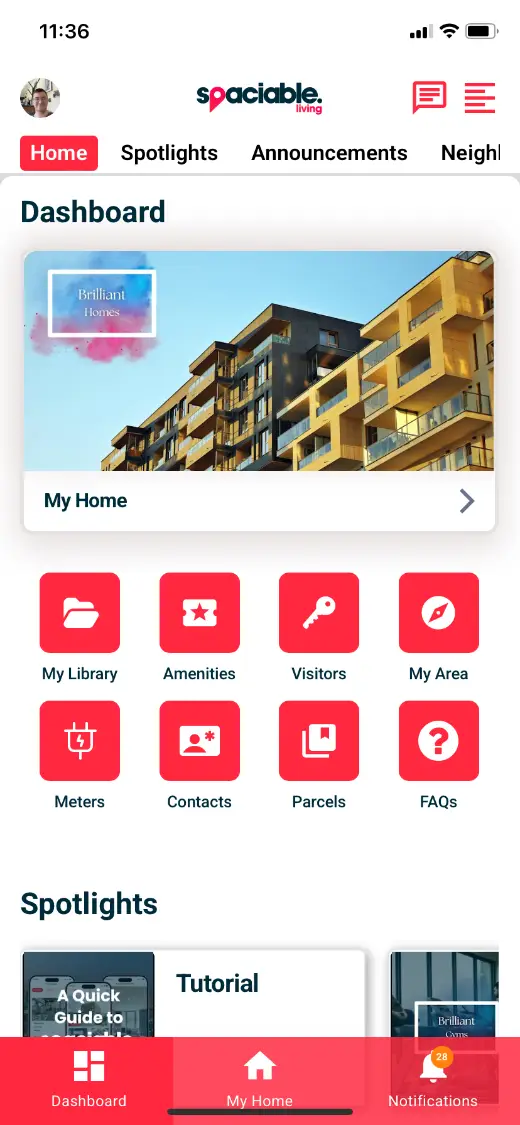
- Open My Library from the dashboard.
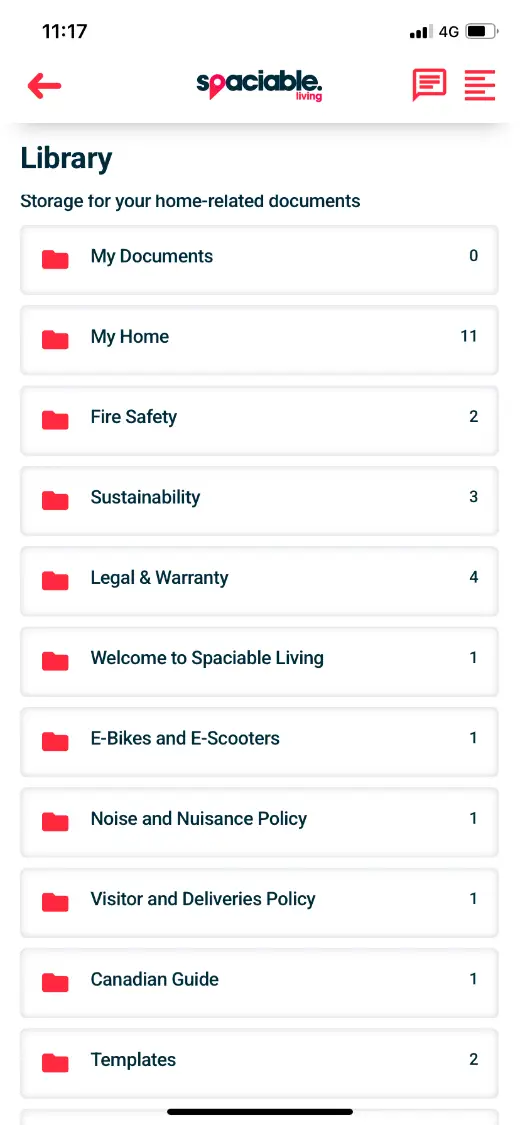
- Browse documents by folder.
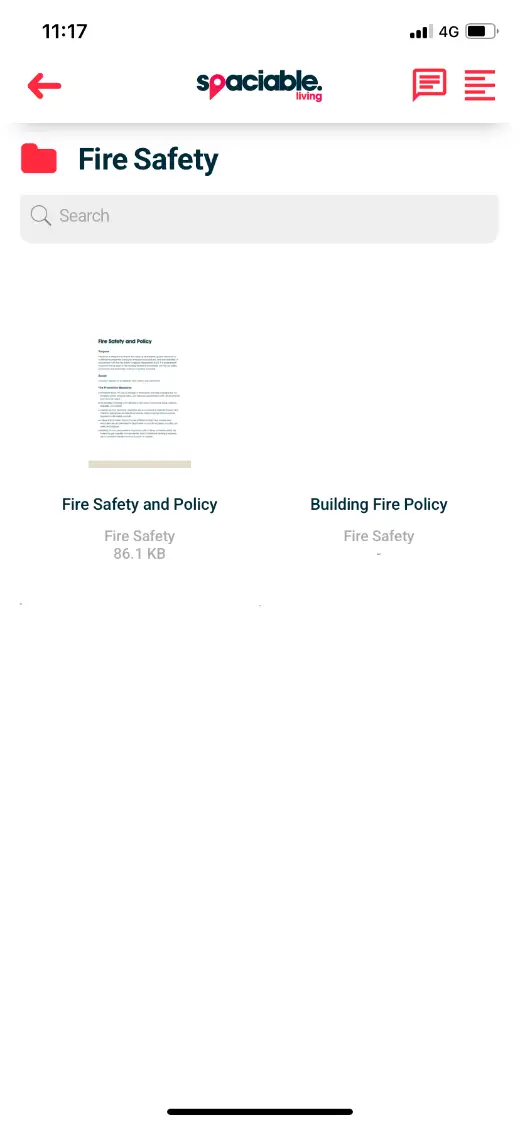
- Open the documents you need.
How document library works.
- 01
Upload or create.
Upload PDFs or write documents with Spaciable’s built-in content creator.
- 02
Assign and categorise.
Assign each document to a development, phase or individual property, and file it in a folder.
- 03
Residents find it.
Residents open documents by folder, and can upload their own to keep home records current.
One feature, two views.
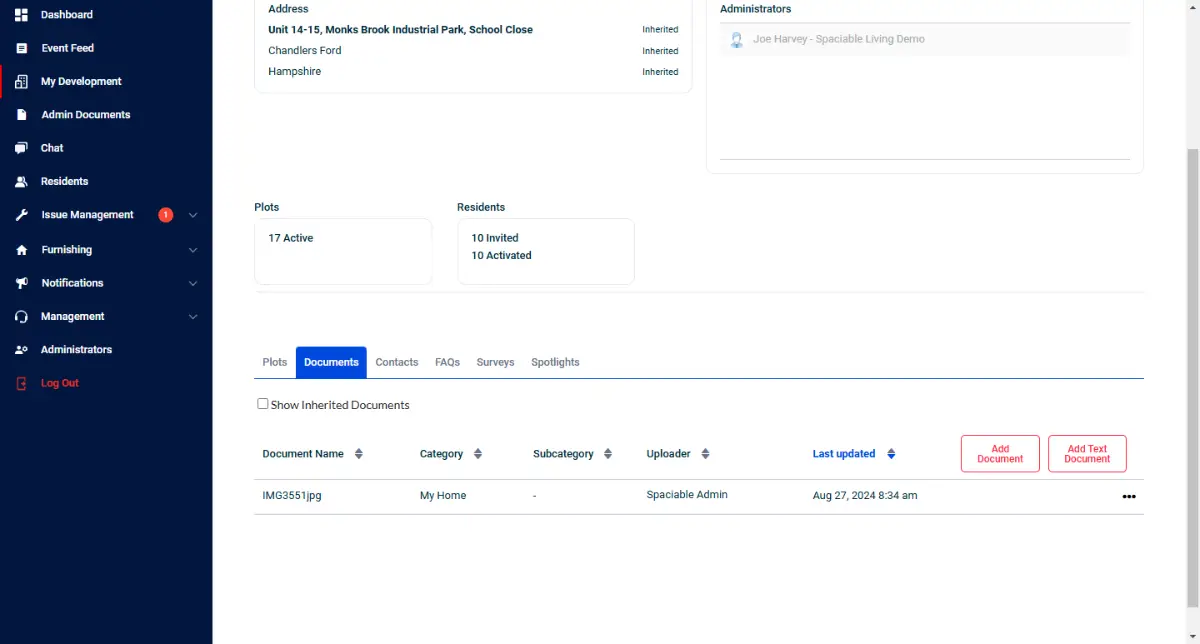
For sales, handover and customer care teams.
- Upload and categorise documents
- Assign to developments, phases or homes
- Share documents across a whole development
- Create documents without leaving the portal
For homebuyers, residents and tenants.
- Folders by category
- Search within each folder
- Upload your own documents
- Available at any time
Why teams stop emailing PDFs.
Documents sent by email or in printed packs get lost, and residents ask for replacements.
A shared library gives residents one place to look, and gives you a clear record of what was shared, supporting compliance.
- Fewer requests
- Residents find documents themselves instead of asking your team.
- Clear records
- See which documents are available to which homes.
- Less paper
- Digital handover reduces printing and posting.
- Ready for resale
- Residents keep home records current for future sales.
Used most in.
Related features.
Document library FAQs.
What documents can we share?+
Anything residents need about their home, from fire safety policies to Home User Guides, warranties and legal documents.
Can residents upload their own documents?+
Yes. Residents can add their own documents, keeping home records current for future sales.
Can we choose who sees each document?+
Yes. Documents can be assigned at division, development, phase or plot level.
Do we need to create PDFs first?+
No. You can upload PDFs or create new documents with the built-in content creator.