
FAQs and self-help that cut customer care calls.
Give residents quick answers to common queries, drastically reducing customer care calls to your support team. Filterable FAQs, a development-specific contacts directory and How To guides sit together in the resident app.
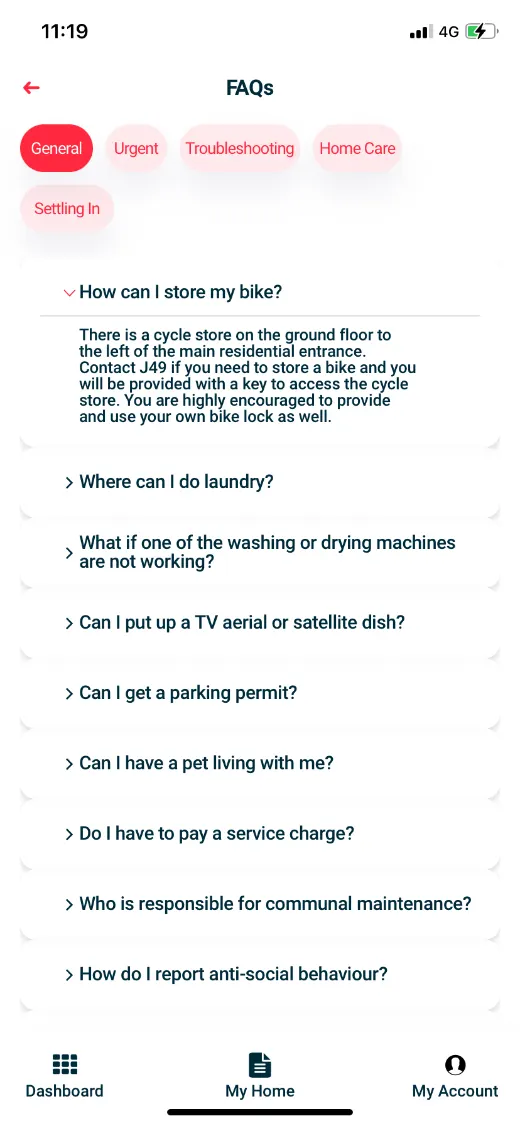
- Filter FAQs by category.
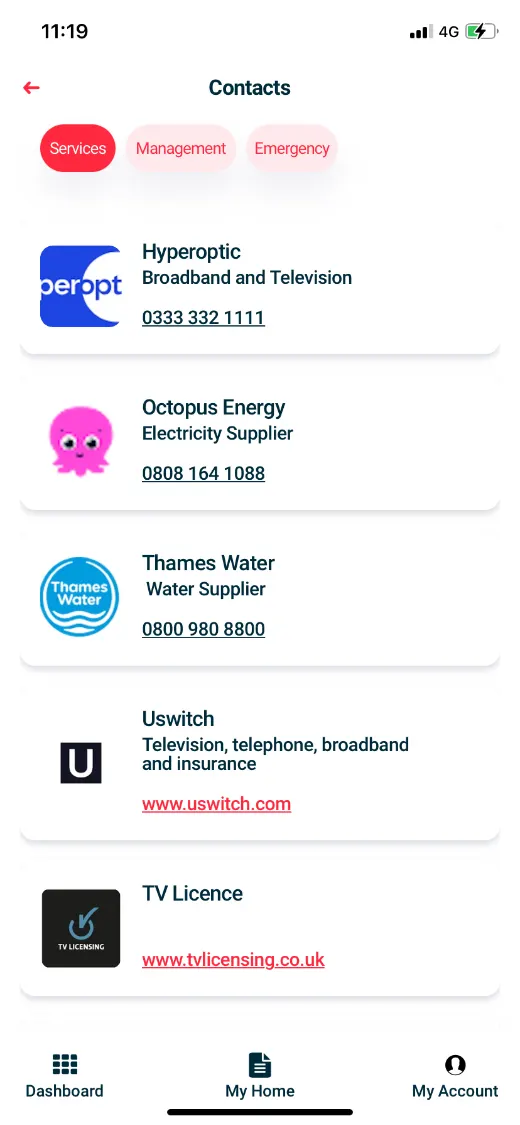
- Find the right contact.
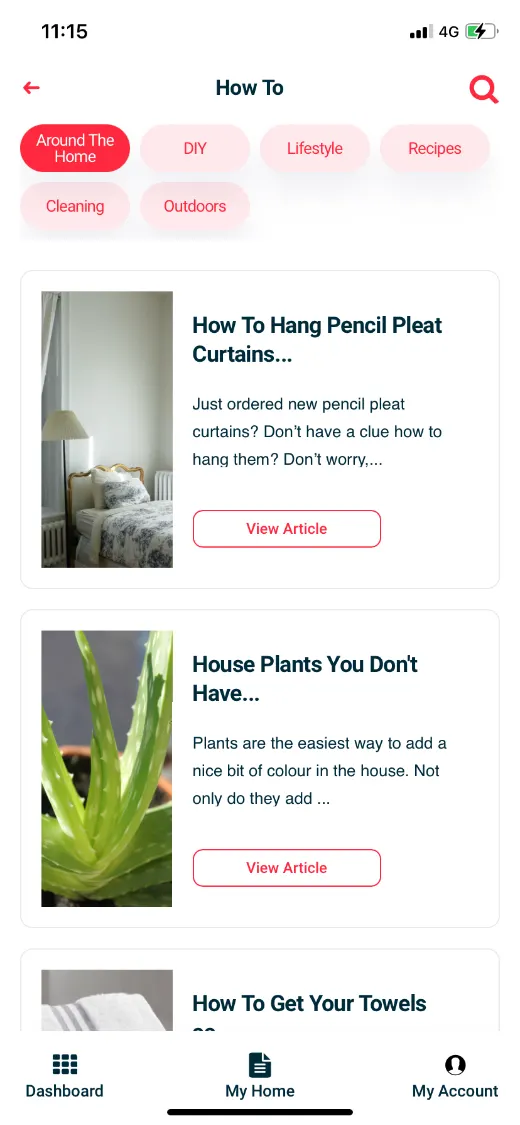
- Browse How To guides.
How FAQs and self-help works.
- 01
Choose your FAQs.
Pick from our catalogue of FAQs or add your own when you notice repeat queries.
- 02
We add your contacts.
We add contacts for Sales, Services, Customer Care, Management and Emergency when we set up the development, saving your team time.
- 03
Residents self-serve.
Residents filter FAQs and contacts by category to find what they need.
One feature, two views.
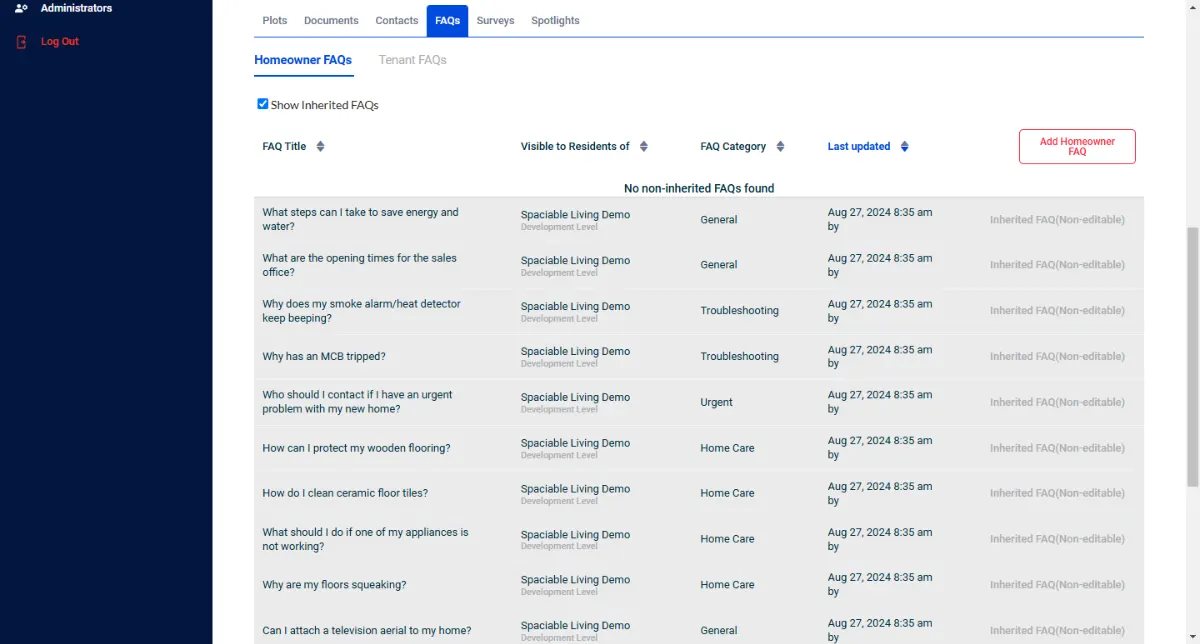
For customer care teams.
- Catalogue of ready-made FAQs
- Add your own FAQs
- Update contacts or add new ones
For homebuyers, residents and tenants.
- Filter FAQs by category
- Contacts by Sales, Services, Customer Care, Management or Emergency
- How To guides on decorating, recipes, crafts and more
Why self-help reduces calls.
Many calls to customer care are repeat questions, or calls to the wrong team.
Clear FAQs and a development-specific contacts directory mean residents find the answer, or the right person, first time.
- Fewer calls
- Common queries answered in the app.
- Right contact first time
- Fewer misplaced calls.
- Quick to set up
- Start from our FAQ catalogue, with contacts added for you.
- Inspiration
- How To guides show you care about residents’ experience.
Used most in.
Related features.
FAQs & self-help FAQs.
Do we have to write all the FAQs?+
No. Choose from our catalogue of FAQs or add your own.
How are contacts organised?+
Contacts can be filtered by Sales, Services, Customer Care, Management or Emergency.
What do How To guides cover?+
Domestic inspiration including decorating, recipes, crafts and more, browsable by category.
Do we need to add our own contacts?+
No. We can add your contacts when we set up the development, saving your team time. You can update them or add new ones at any time.