

Room-by-room specification for every home.
Give residents a room-by-room breakdown of the finishes and appliances in their home. Spaciable can populate property-specific information from a checklist, and your team can update last-minute specification changes from an extensive catalogue.
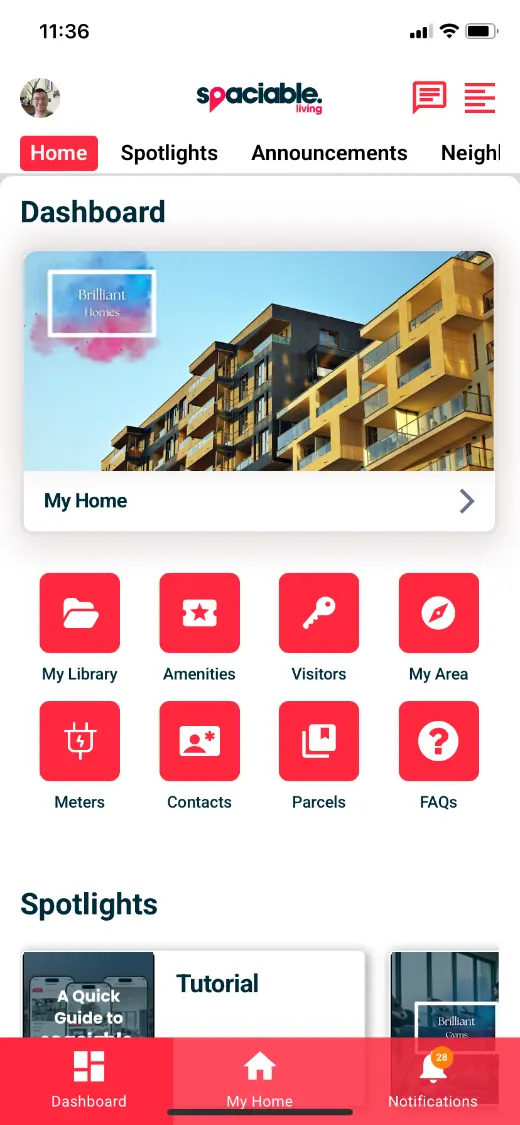
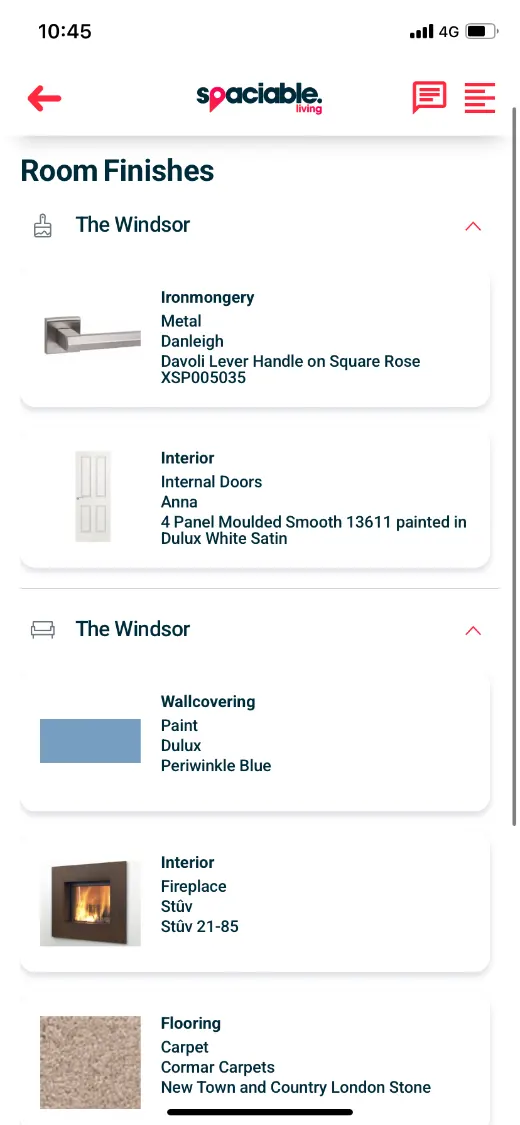
- Open My Home from the dashboard.
- See finishes room by room.
How specification choices works.
- 01
Populate from a checklist.
Spaciable can populate property-specific finishes from your checklist.
- 02
Update changes.
Use the catalogue of fixtures and finishes in the Office Portal to update last-minute specification changes.
- 03
Residents see their home.
Residents view finishes and appliances room by room in their app.
One feature, two views.
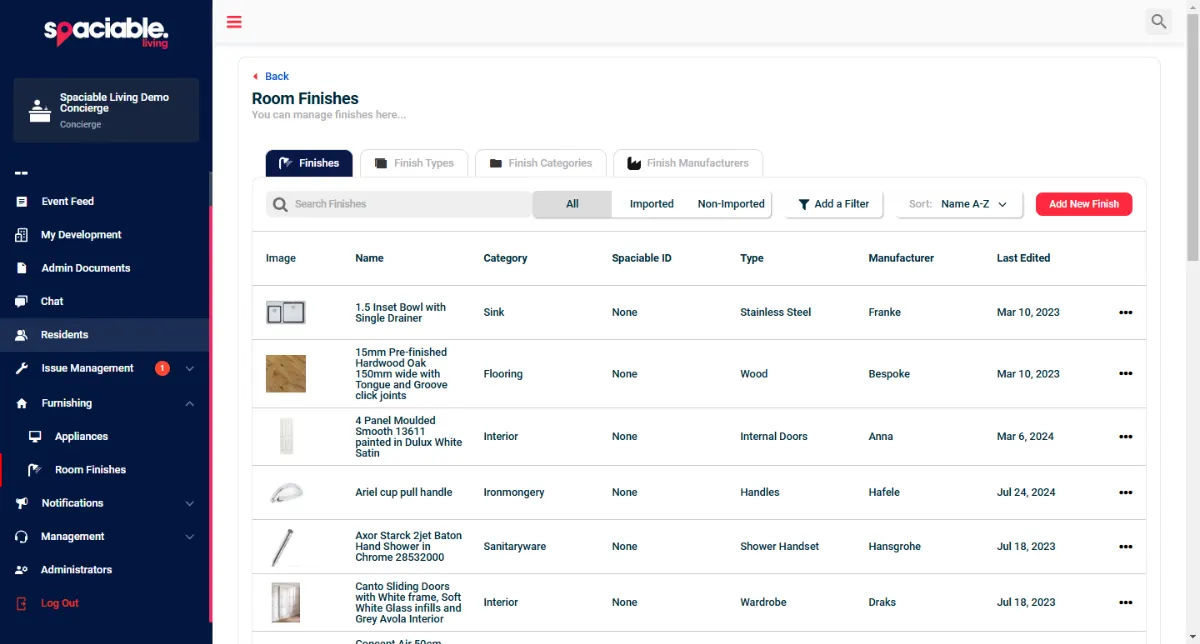
For sales and handover teams.
- Extensive catalogue of fixtures and finishes
- Update last-minute specification changes
- Property-specific information
- Filter by category and manufacturer
For homebuyers and residents.
- Finishes room by room
- Manufacturer and model details
- Appliance registration and manuals
- Troubleshooting with a ChatBot
Why residents need their specification.
When residents don’t know what’s installed in their home, every repair or replacement starts with a call to your team.
A room-by-room record helps them maintain everything properly and troubleshoot issues independently.
- Fewer queries
- Residents find finish and model details themselves.
- Accurate records
- Late changes are updated from the catalogue.
- Proper maintenance
- Residents know what each finish is.
- Future sales
- A complete record of the home.
Used most in.
Related features.
Specification choices FAQs.
How is the specification added?+
Spaciable can populate property-specific information from a checklist.
What if a finish changes late in the build?+
Your team can update it from the extensive catalogue of fixtures and finishes in the Office Portal.
Can residents see appliance details?+
Yes. Residents can register appliances, download user manuals and troubleshoot issues with a ChatBot.