

Payments through the portal, from reservation to amenity bookings.
Buyers can pay their reservation directly through the portal, speeding up the process. Once they have moved in, residents pay rent, ground rent, building services and shared space fees in the app, securely through Stripe integration, minimising manual administration.
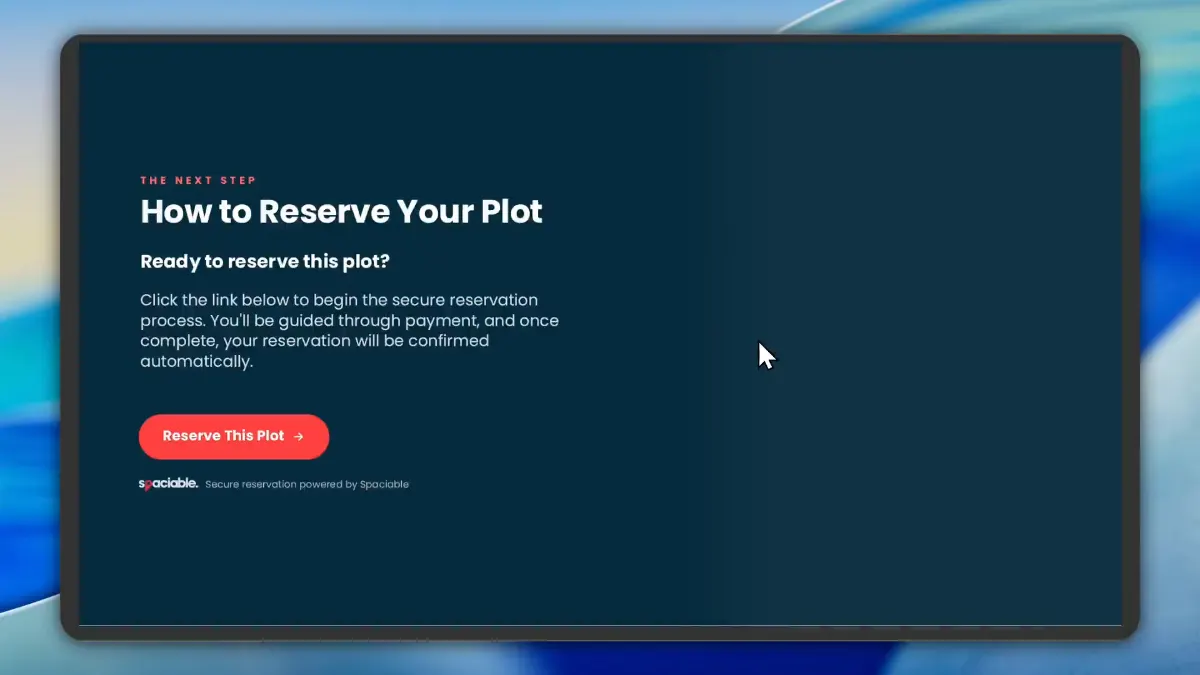
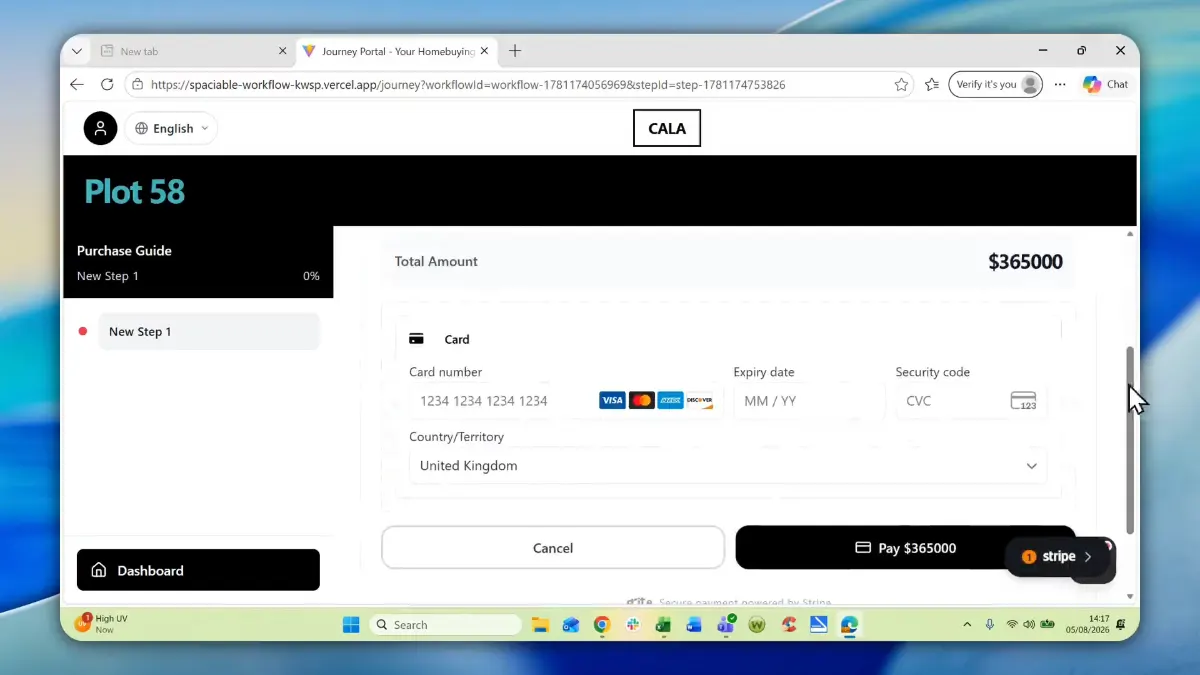
- The buyer chooses to reserve.
- They pay securely online.
How payments works.
- 01
Buyer reserves.
At the end of their brochure, buyers follow a link to reserve the plot.
- 02
Pay online.
Payment is made directly through the portal, and the listing updates to Reserved.
- 03
Residents pay in the app.
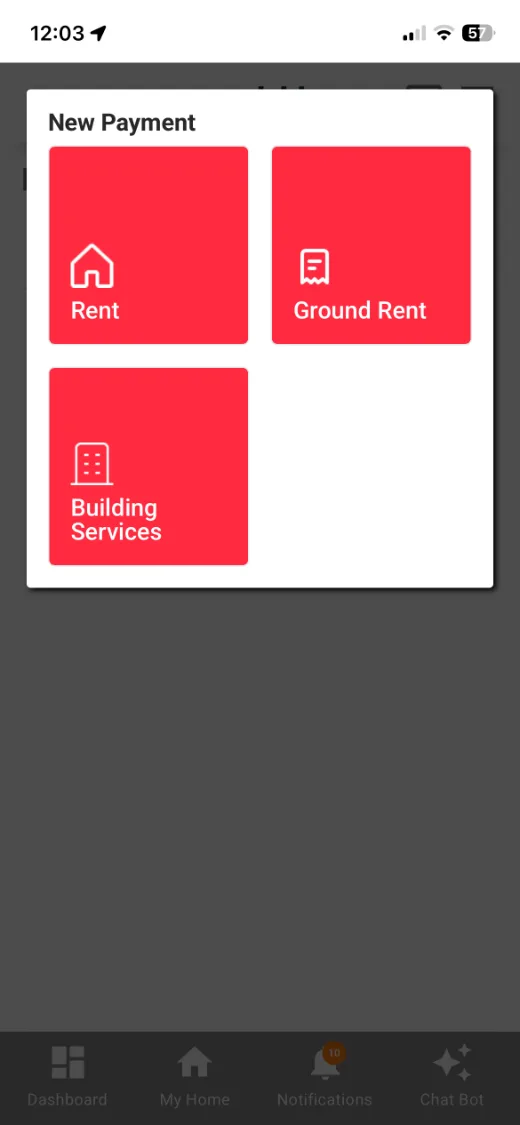
Residents pay rent, ground rent and building services, plus shared space fees and deposits, through Stripe.
One feature, two views.
For sales teams.
- Buyers reserve from the brochure
- Secure card payments
- Listing updates to Reserved
For residents and tenants.
- Rent, ground rent and building services
- Shared space fees and deposits
- Save a card for future payments
- Payment history by month
Why take payments in the portal.
Taking payments by phone or bank transfer slows down reservations and creates manual work.
Paying through the portal speeds up the process and updates records automatically.
Because payments sits in the same platform as every other Spaciable feature, there is no separate licence to pay for, and no extra system for your team to learn.
- Faster reservations
- Interest converts to sales sooner.
- No double bookings
- Listings update as soon as the plot is reserved, and start an onboarding workflow.
- Less admin
- Fees and deposits are collected online.
- Secure
- Payments handled through Stripe.
Used most in.
Related features.
Payments & service charges FAQs.
Can buyers pay their reservation online?+
Yes. Payment can be made directly through the portal, and the listing is updated to Reserved.
What can residents pay in the app?+
Rent, ground rent and building services, as well as fees and deposits for shared spaces.
Can residents save their card?+
Yes. Residents can save a card for future payments, and see their payments by month.