

Resident surveys and Tenant Satisfaction Measures.
Add surveys for a development or phase in the Office Portal, and residents answer them in the Spaciable app. Results help you understand satisfaction across your developments and support Tenant Satisfaction Measures reporting.
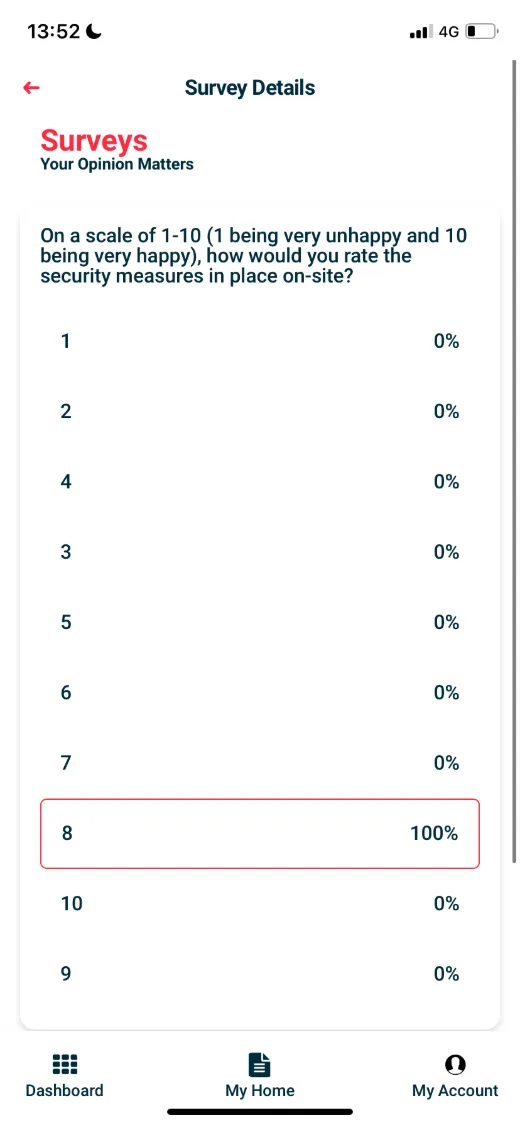
- 01Residents answer in the app.
- 02Results show as percentages.
How surveys works.
- 01
Add the survey.
Add a survey to a development or phase in the Office Portal, with an end date.
- 02
Residents respond.
Residents answer in their Spaciable app, from scale ratings or multiple choice.
- 03
Review responses.
Track vote statistics for each survey in one list to support your reporting.
One feature, two views.
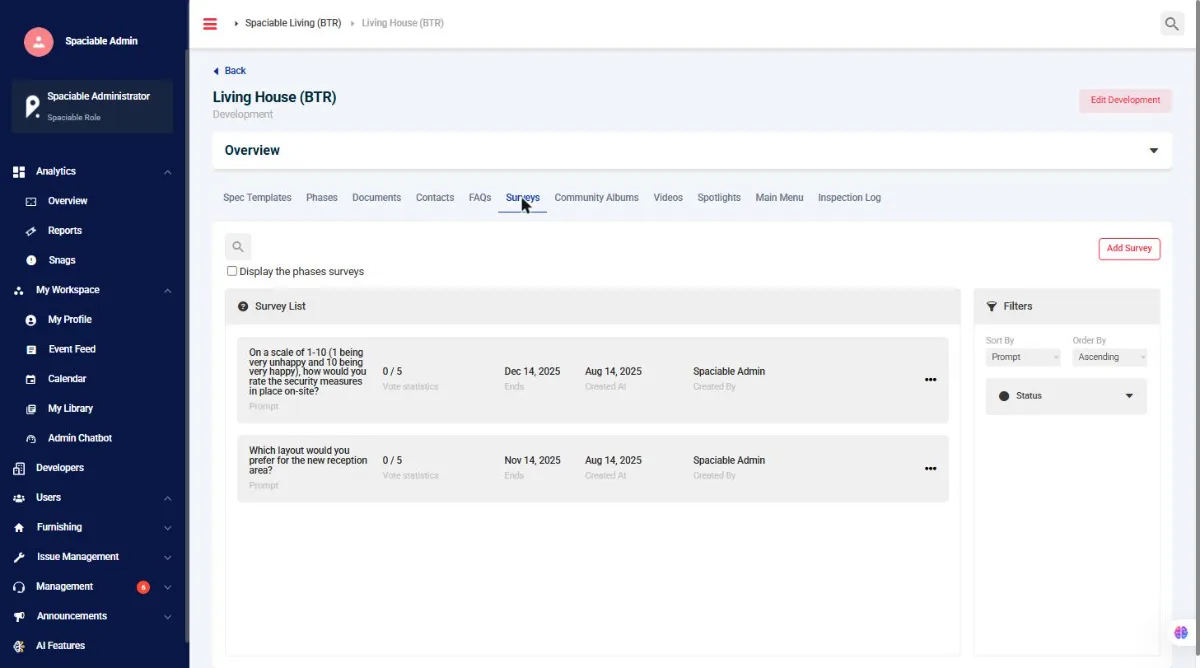
For customer care and management teams.
- Surveys by development or phase
- Vote statistics and end dates
- Support TSM reporting
For residents and tenants.
- Complete surveys in the app
- Ratings and multiple choice
- Results shown as percentages
Why collect feedback in the app.
Paper and email surveys get low response rates, and results are slow to collate.
Surveys in the app reach residents where they already are, and responses are collected in one place.
Because surveys sits in the same platform as every other Spaciable feature, there is no separate licence to pay for, and no extra system for your team to learn.
- Higher response
- Surveys reach residents in their app.
- One place
- Responses collected together.
- Evidence-based decisions
- Use feedback to plan improvements.
- TSM support
- Feedback to support Tenant Satisfaction Measures.
Used most in.
Related features.
Surveys & TSM FAQs.
Where do residents complete surveys?+
In their Spaciable app.
Does Spaciable support TSM reporting?+
Survey feedback collected in Spaciable can support your Tenant Satisfaction Measures reporting.
Can we create our own surveys?+
Yes. You can create unlimited surveys in the Office Portal to gather feedback on either specific matters or broad feedback.