
Resident notifications by push, email and SMS.
Send important messages as push notifications, email, SMS or a combination of all three. They are less likely to be ignored or land in spam, so health and safety updates and community news reach residents.
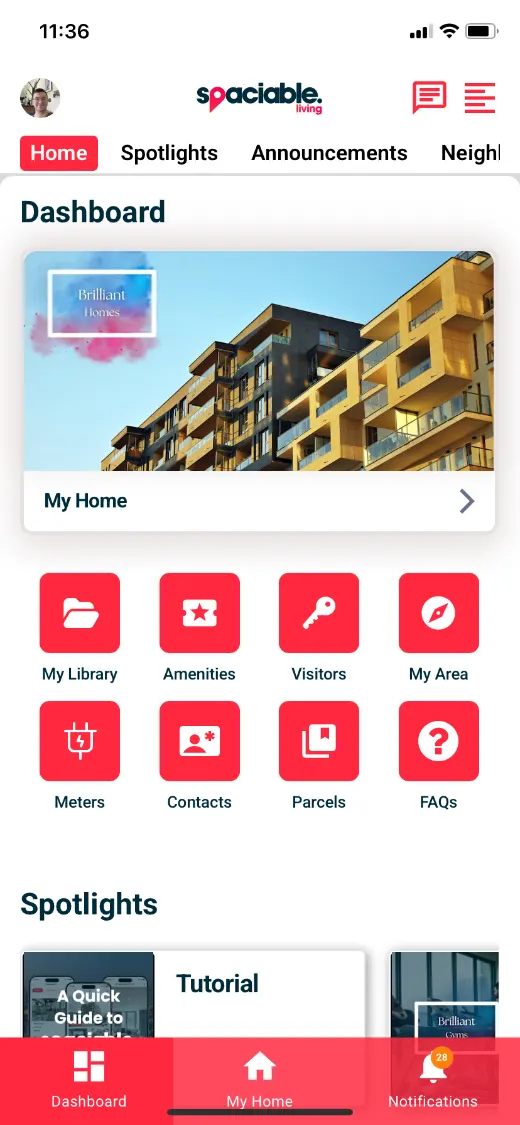
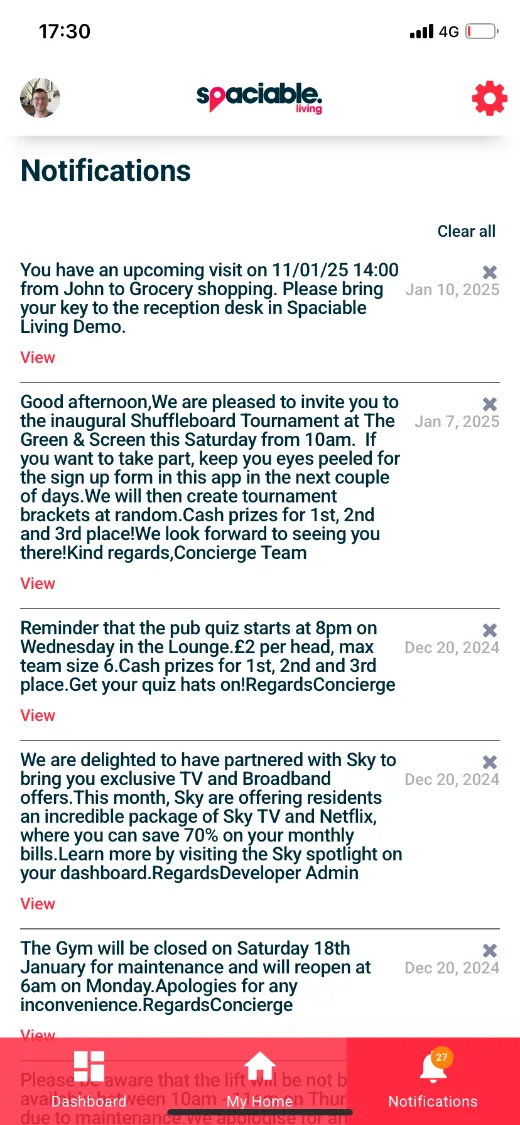
- Messages reach the resident’s app.
- Every notification is kept in one list.
How notifications works.
- 01
Write the message.
Create a notification in the Office Portal for an update, reminder or event.
- 02
Choose who receives it.
Target by division, development, phase or plot group, and send by push, email, SMS or all three.
- 03
Keep a record.
View every notification sent, and share build progress updates in line with NHQB requirements.
One feature, two views.
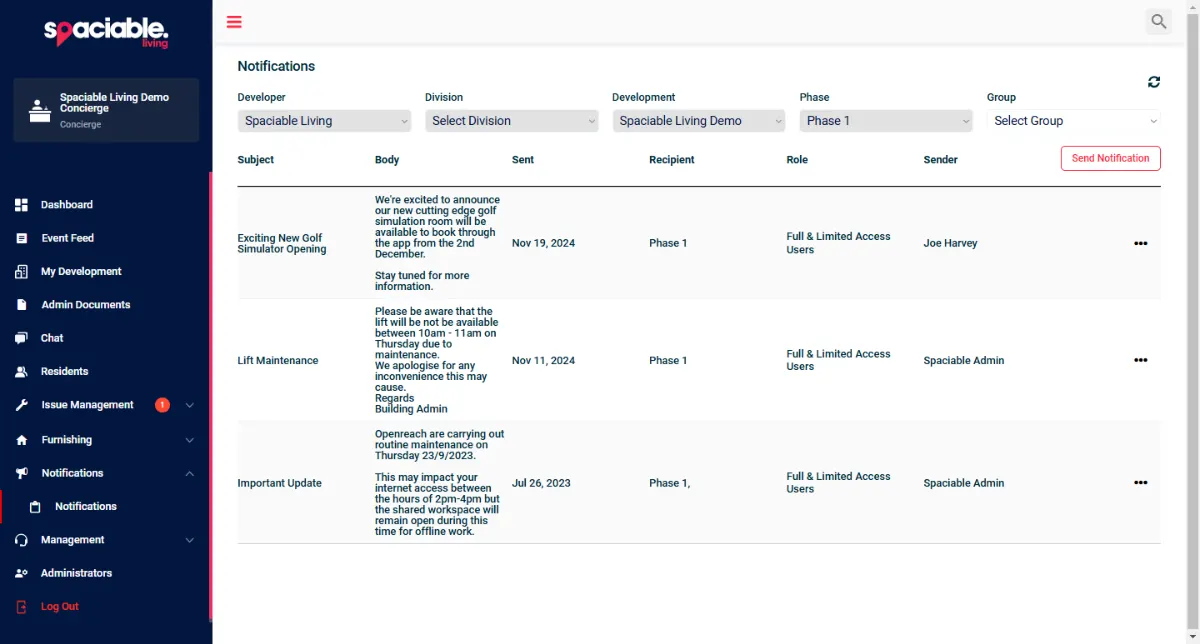
For site, sales and customer care teams.
- Push, email and SMS from one place
- Filter by division, development, phase or plot group
- Full history of sent notifications
- Build progress updates
For homebuyers, residents and tenants.
- Notifications in the app
- Message history in one list
- Event and building updates
- Translate into their preferred language
Why teams send updates through Spaciable.
Newsletters and letters are easy to miss, and it is hard to know who received what.
Spaciable sends each message on the channels residents read and keeps a record of everything sent.
Sending notifications by push, email and SMS can increase open rates by around 169%.
Use notifications alongside build progress updates to keep buyers informed in line with NHQB requirements.
Because notifications sits in the same platform as every other Spaciable feature, there is no separate licence to pay for, and no extra system for your team to learn.
- Higher open rates
- Around 169% higher when push, email and SMS are combined.
- Out of spam folders
- Messages are less likely to be ignored or filtered.
- Precise targeting
- Reach one plot group or a whole division.
- A record for compliance
- Build progress updates support NHQB requirements.
Used most in.
Related features.
Notifications & campaigns FAQs.
Which channels can we send notifications on?+
Push notifications, email, SMS or a combination of all three.
Can we choose who receives a notification?+
Yes. Notifications can be sent at division, development, phase or plot level.
Can we share build progress updates?+
Yes. Build progress updates keep buyers informed in line with NHQB requirements.