

Invite residents to community events.
Invite residents to events from the Office Portal, from a home demonstration to a residents’ pub quiz, and promote them with push, email and SMS notifications so they reach everyone.
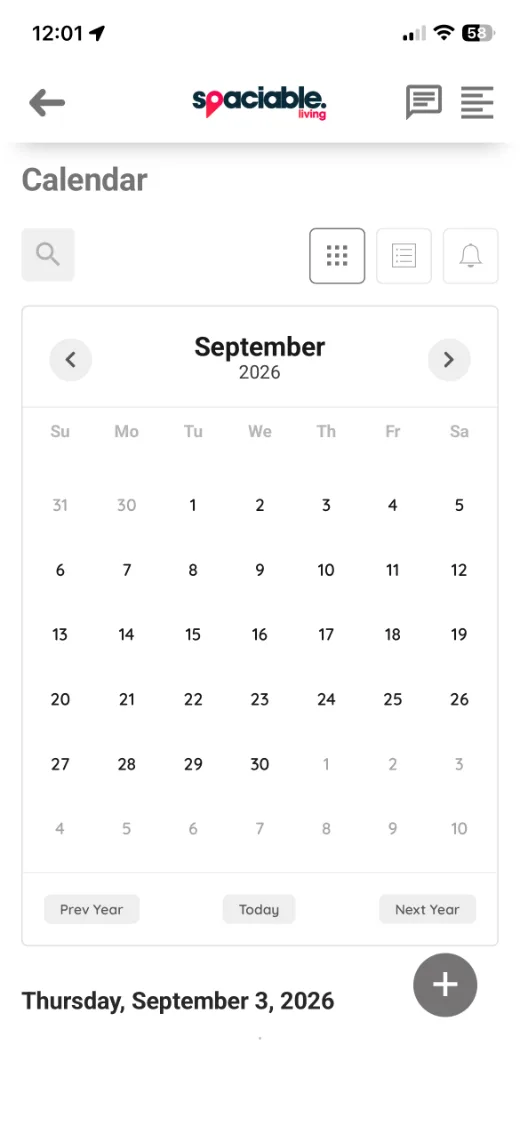
- Events sit in the app calendar.
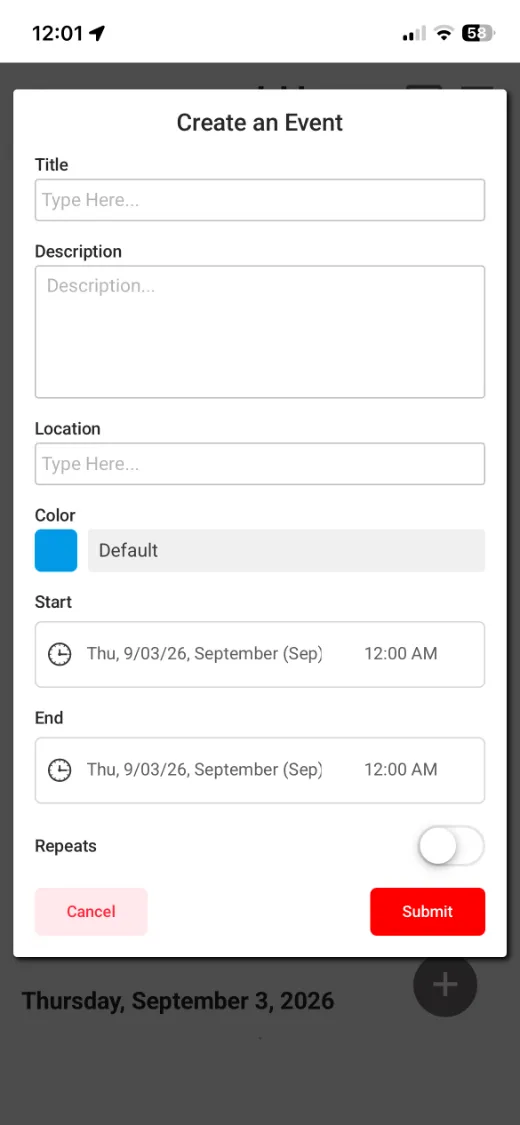
- Add an event with a time and place.
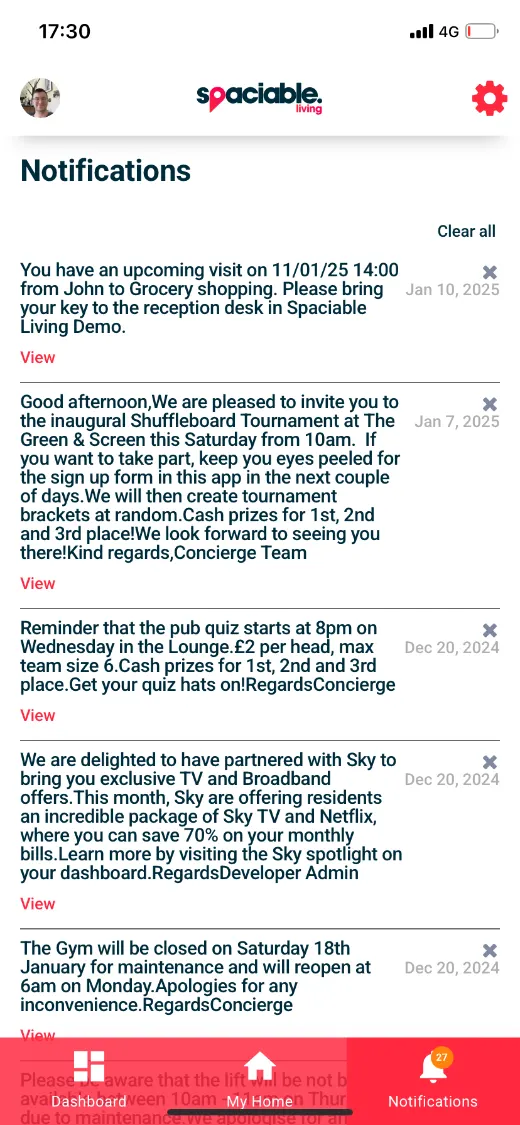
- Invitations arrive as notifications.
How events works.
- 01
Create the event.
Add the event in the Office Portal.
- 02
Invite residents.
Send invitations by push, email, SMS or all three.
- 03
Build the community.
Residents see upcoming events in the calendar in their app.
One feature, two views.
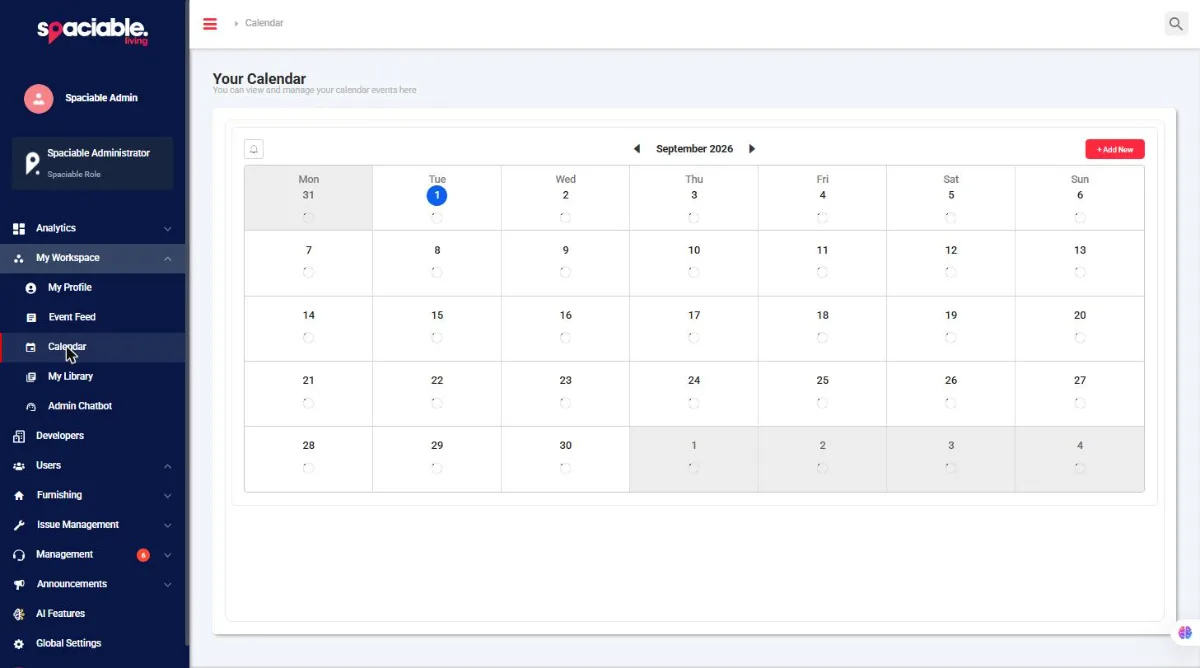
For community and concierge teams.
- Monthly calendar view
- Add and manage events
- Invite residents
For residents and tenants.
- Calendar in the app
- Events with time, location and repeats
- Invitations as notifications
Why events matter.
Events help residents meet their neighbours and feel part of the community.
Sending invitations through Spaciable makes sure they reach every resident.
Because event management sits in the same platform as every other Spaciable feature, there is no separate licence to pay for, and no extra system for your team to learn.
- Community
- Residents meet their neighbours.
- Reach
- Push, email and SMS invitations.
- Retention
- Engaged residents are more likely to stay.
- Less admin
- Invitations sent from the Office Portal.
Used most in.
Events FAQs.
How do we invite residents?+
From the Office Portal, using push, email, SMS or a combination of all three.
Can we choose who is invited?+
Yes. Invitations can be sent at division, development, phase or plot level.