

Neighbourhood updates that build communities.
Build communities with Spaciable’s Chat feature, connecting neighbours who can form common-interest groups. Residents share offers and promotions or lost and found items, and your team can speak to residents directly.
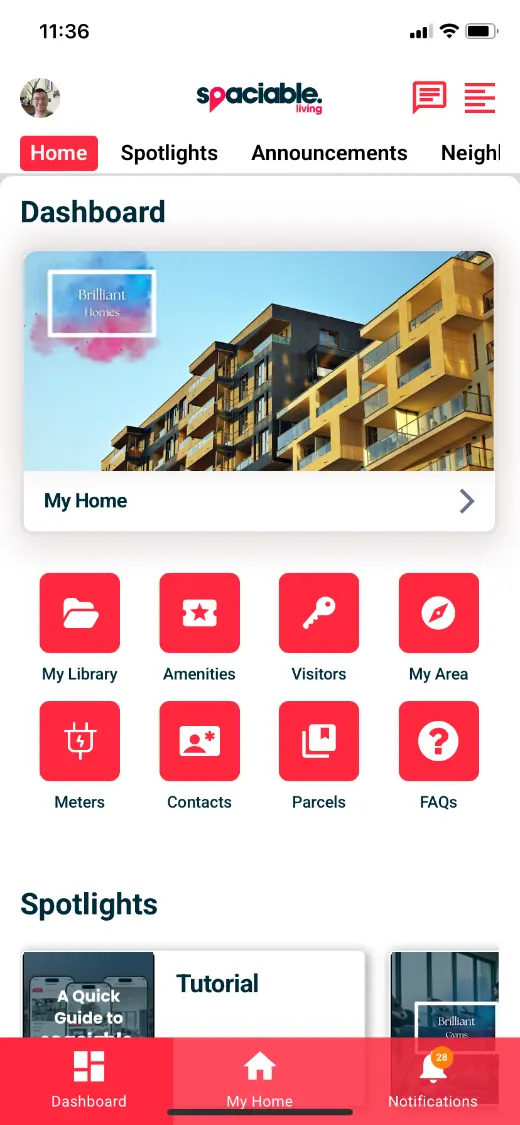
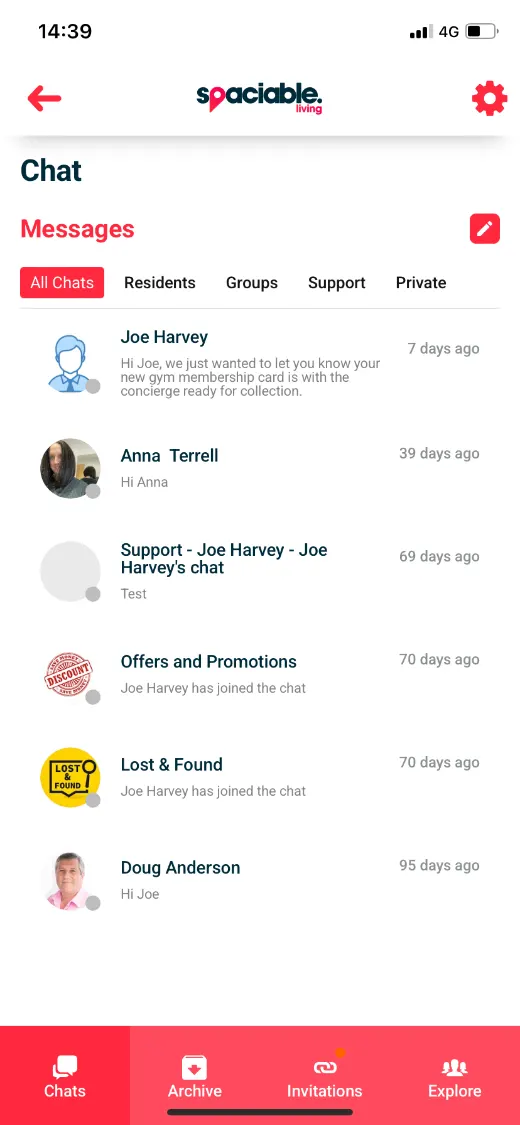
- Open the Neighbourhood from the dashboard.
- Join groups and share updates.
How neighbourhood updates works.
- 01
Residents join in.
Residents create groups with neighbours based on shared interests.
- 02
Share updates.
Post offers and promotions, lost and found items and neighbourhood news.
- 03
Your team takes part.
Create chat threads with residents from the Office Portal and respond promptly.
One feature, two views.
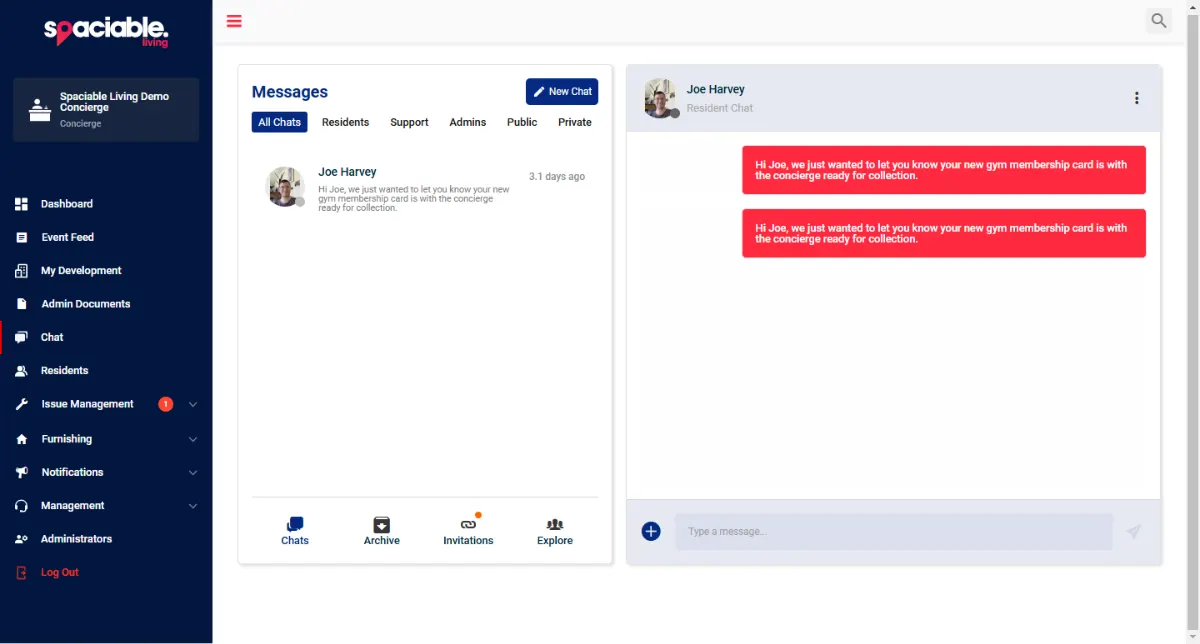
For concierge and community teams.
- Create chat threads with residents
- Message fellow administrators
- Respond promptly to messages
For residents.
- Common-interest groups
- Offers and promotions
- Lost and found
Why community features matter.
Residents who know their neighbours are more likely to settle in and stay.
Community chat gives them a place to connect and keeps your team close to what is happening.
Because community chat and marketplace sits in the same platform as every other Spaciable feature, there is no separate licence to pay for, and no extra system for your team to learn.
- Stronger communities
- Neighbours connect around shared interests.
- Resident retention
- Residents feel at home sooner.
- Local offers
- Share offers and promotions.
- Inclusive
- Residents can translate posts.
Used most in.
Related features.
Neighbourhood updates & marketplace FAQs.
Can residents create their own groups?+
Yes. Residents can create groups with neighbours based on shared interests.
Can our team message residents?+
Yes. Your team can create chat threads with residents and fellow administrators in the Office Portal.
Can residents translate posts?+
Yes. Residents can translate announcements from your team and other residents.