

A local area guide for every development.
Help residents settle into their local area, strengthening ties to their community and your development. The nearest amenities are displayed with contact details, distance and, where applicable, ratings from other users.
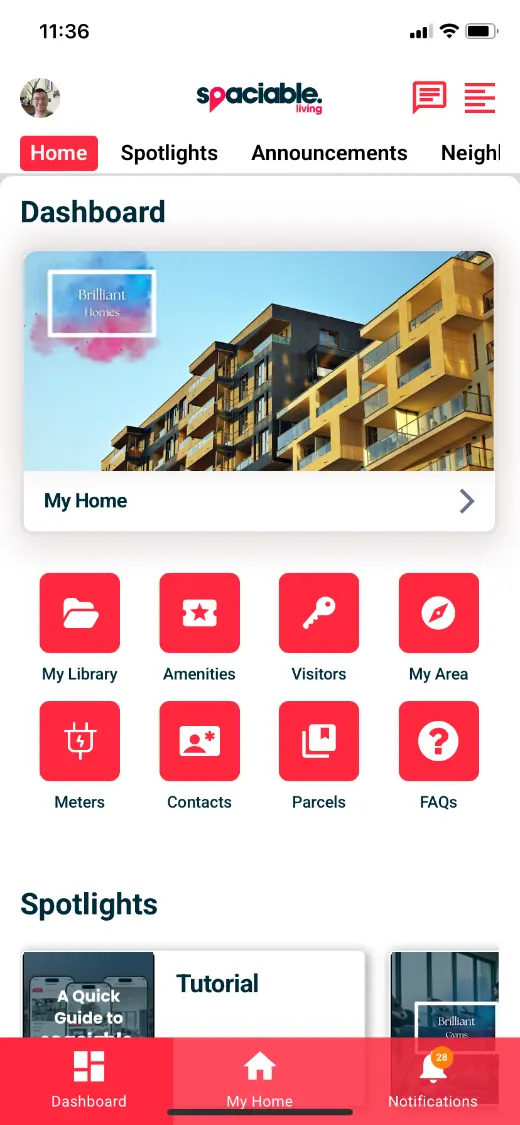
- Open My Area from the dashboard.
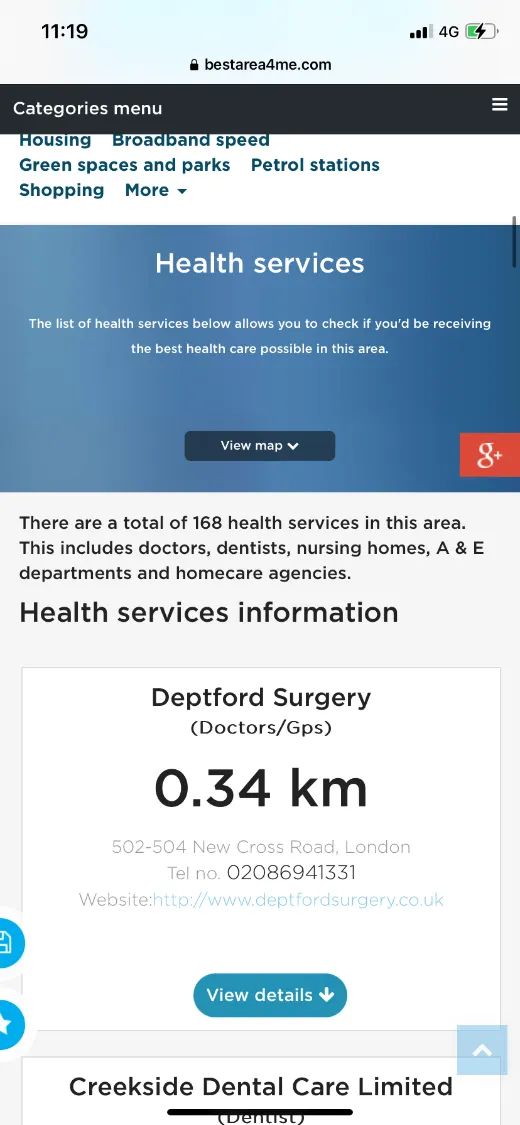
- Find the nearest amenities.
How the area guide works.
- 01
Open My Area.
Residents open the area guide from their dashboard.
- 02
Browse by category.
Categories include broadband, green spaces and parks, shopping, restaurants and pubs, health services and more.
- 03
Find what’s nearby.
Each amenity shows contact details, distance and, where applicable, ratings.
One feature, two views.
For new residents.
- Nearest amenities by category
- Contact details and distance
- Ratings from other users
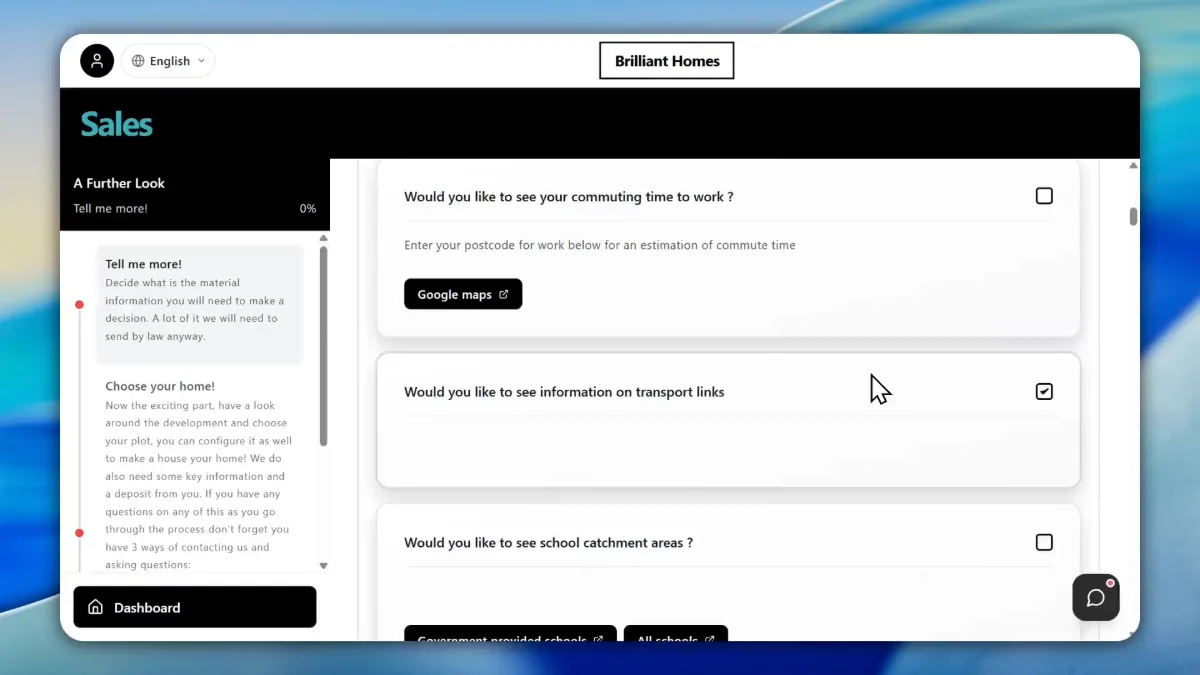
For prospective buyers.
- Links to local amenities and services
- Tailored to buyer preferences
- A link to reserve the plot
Why an area guide helps residents settle.
New residents need to find a GP, a dentist and the nearest shops, and often ask your team.
An area guide answers those questions in the app and helps residents feel at home sooner.
An area guide also supports your ESG credentials. Pointing residents to local shops, services and transport links encourages them to support local businesses and travel shorter distances, and helps build the community ties that social value reporting looks for.
- Settle in faster
- Everything nearby in one place.
- Fewer queries
- Local questions answered in the app.
- Community ties
- Residents connect with their local area.
- ESG credentials
- Encourage local spend and sustainable travel.
Used most in.
Related features.
Area guide FAQs.
What does the area guide show?+
The nearest amenities, with contact details and distance.
Which categories are included?+
Categories include broadband, green spaces and parks, shopping, restaurants and pubs, health services and more.